Headless X Session with x11vnc
Setting up and running an X session on a headless remote Linux server.
171 Words
2021-08-16 14:47 -0500
Overview
It’s possible to securely run graphical workloads on headless remote Linux servers using x11vnc, ssh, and xvfb.
Configuration
Install Software
In this example, the software is installed on a stock Ubuntu server.
- x11vnc: The server creating the X11 session
- xvfb: The virtual frame buffer for headless systems
- fluxbox: Lightweight window manager
sudo apt install x11vnc xvfb fluxbox
Setup VNC Server
VNC does not encrypt traffic by default. To securely connect, we wrap the VNC session in a port forwarded ssh tunnel. To simplify the process, the following one-line command will setup a ssh tunnel, start the x11vnc server with xvfb, and setup the fluxbox windows manager:
ssh -L 5900:localhost:5900 192.168.86.5 "x11vnc -create -env FD_PROG=/usr/bin/fluxbox -env X11VNC_CREATE_GEOM=${1:-1024x768x16} -nopw -listen 127.0.0.1 -forever"
Connect
Connect to the Remote Host
Connect to the remote host with a vnc client. Since the session is wrapped in a port-forwarded ssh tunnel, the connection is made to localhost:5900 NOT the IP address of the remote system.
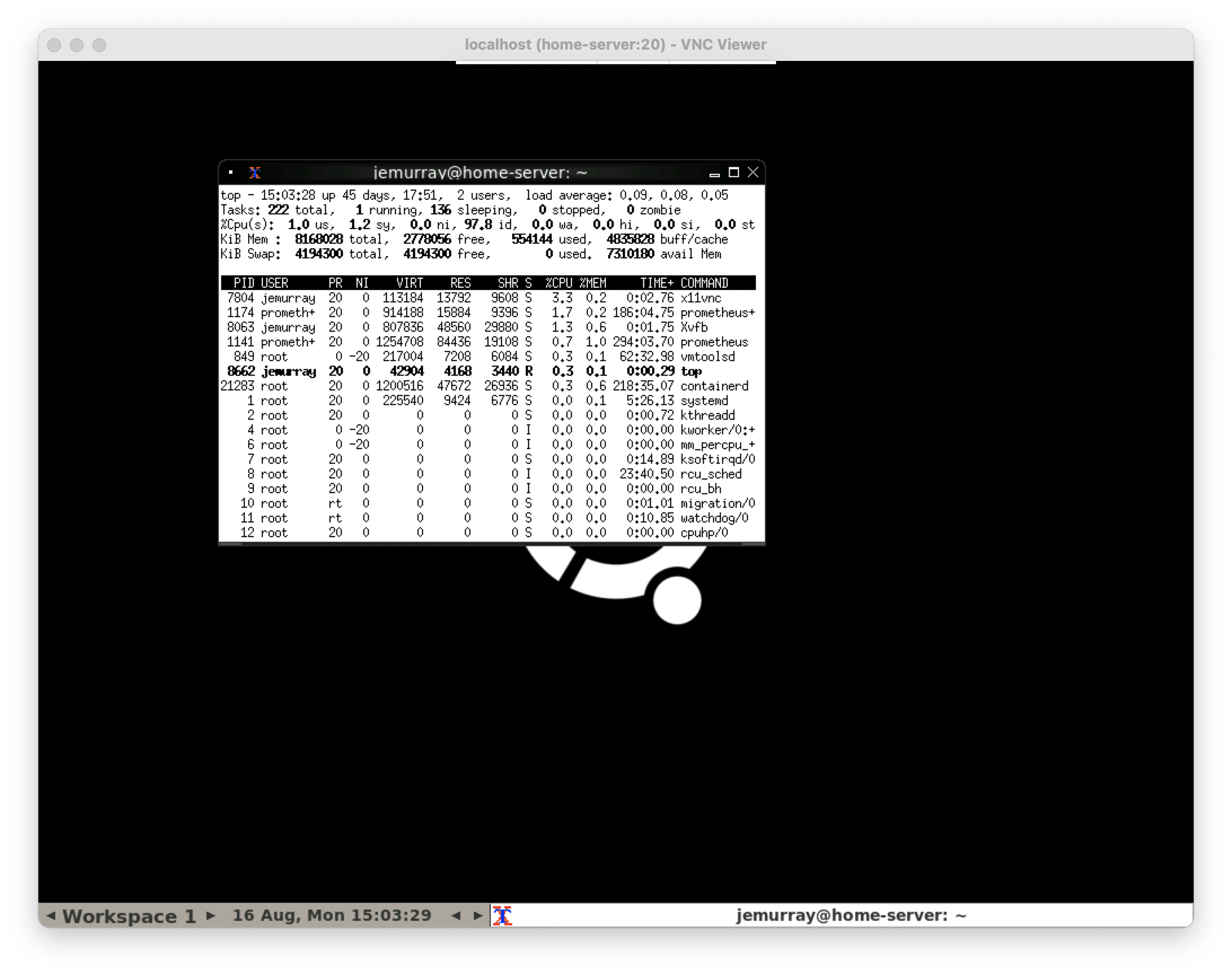
A full fluxbox X session is tunneled over ssh using vnc: